
Authentication
Authenticate every request with your Skala API key
Authentication
The Skala API uses API keys. Create a key once in your Skala account and send it as a Bearer token with every request. No login call is needed.
Requirements
- You must be signed in to Skala as a company admin.
- Your subscription plan must include API access.
Create an API Key
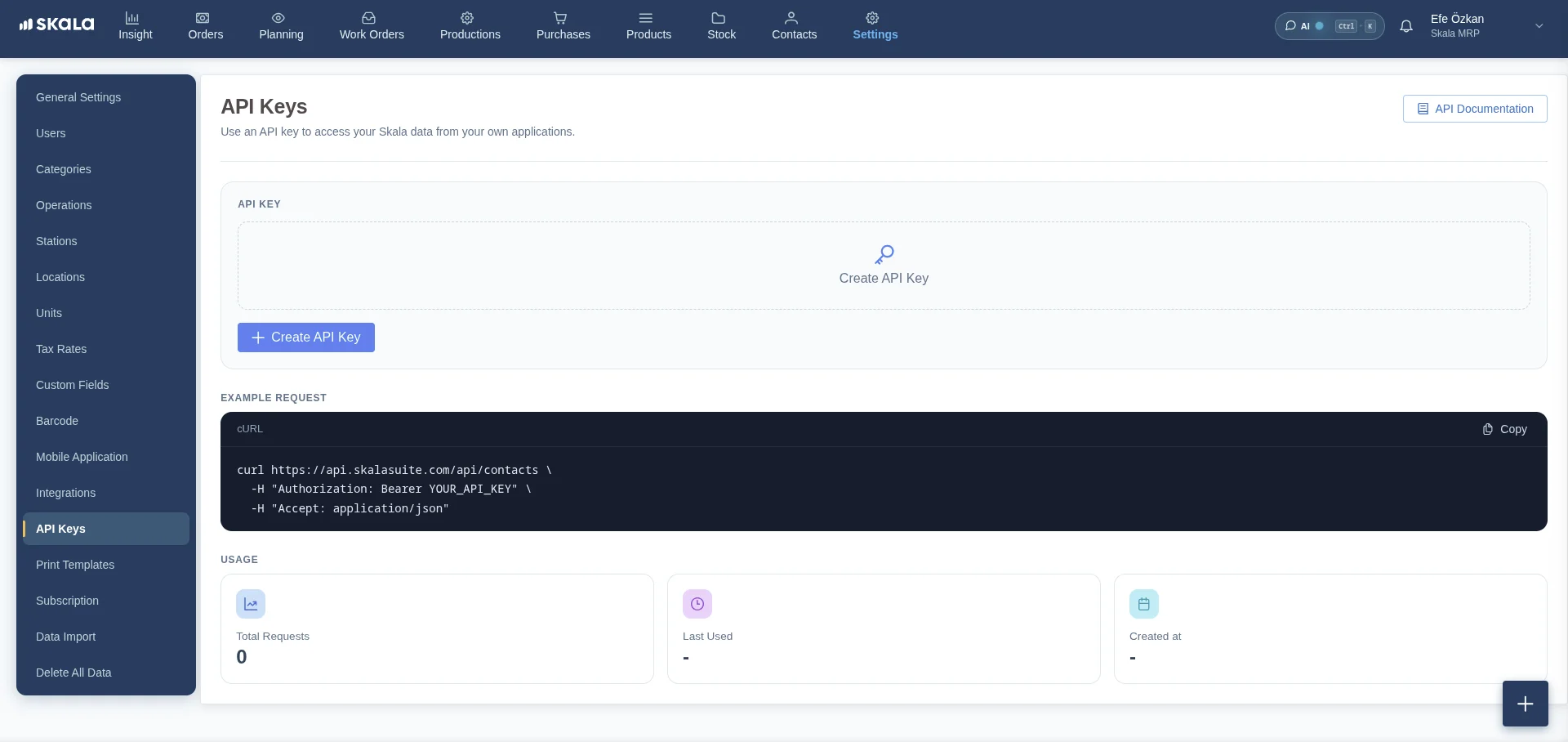
Open the API Keys page
In Skala, go to Settings > API Keys.
Copy and store the key
The full key is shown only once, right after it is created. Copy it and store it somewhere safe, such as a secrets manager or an environment variable. Afterwards only a masked version is displayed.
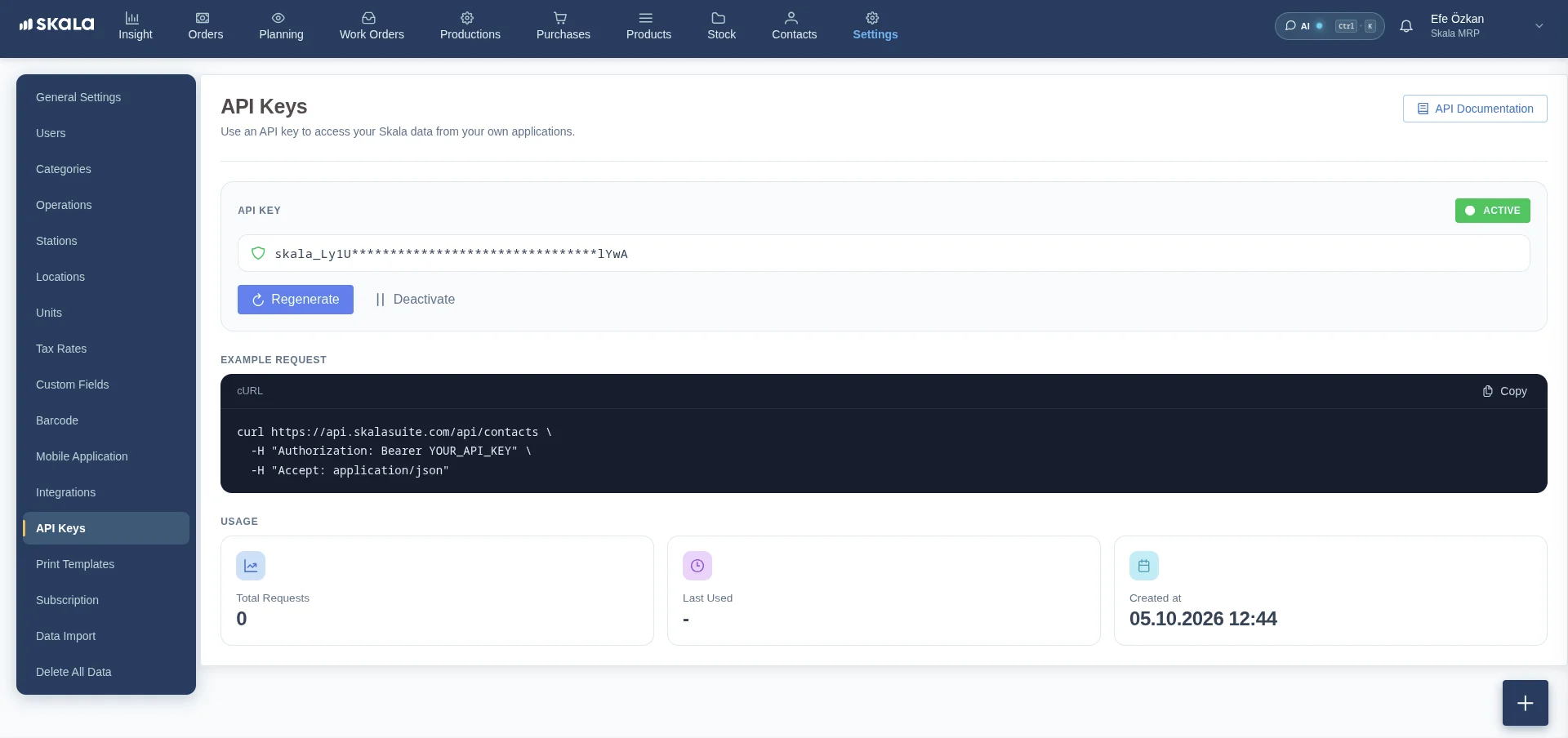
Each company has a single API key. Keys look like this:
skala_XXXXXXXXXXXXXXXXXXXXXXXXXXXXXXXXXXXXSend Requests with Your Key
Add the key to the Authorization header of every request:
Authorization: Bearer YOUR_API_KEYcurl https://api.skalasuite.com/api/contacts \
-H "Authorization: Bearer YOUR_API_KEY" \
-H "Accept: application/json"const response = await fetch('https://api.skalasuite.com/api/contacts', {
headers: {
'Authorization': `Bearer ${process.env.SKALA_API_KEY}`,
'Accept': 'application/json'
}
});
const data = await response.json();import os
import requests
response = requests.get(
'https://api.skalasuite.com/api/contacts',
headers={
'Authorization': f"Bearer {os.environ['SKALA_API_KEY']}",
'Accept': 'application/json'
}
)
data = response.json()Manage Your Key
| Action | Effect |
|---|---|
| Regenerate | Creates a new key. The old key stops working immediately, so update your integrations. |
| Deactivate | Temporarily disables the key. Requests return 401 until you activate it again. |
The Usage section on the same page shows the total number of requests, when the key was last used, and when it was created.
Treat your API key like a password. Never commit it to source control or expose it in client-side code. If a key is leaked, regenerate it right away.
Error Responses
| Status | Description |
|---|---|
| 401 | Missing, invalid, regenerated, or deactivated API key |
| 403 | The key does not have permission for this action |